
Error log
To view and acknowledge errors:
- Select Settings:

- Select Service menu with the arrow buttons.
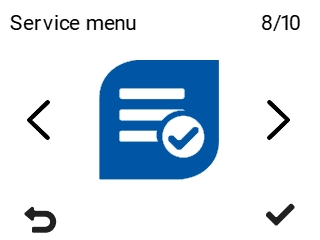
- Select OK:

- Select Error log with the arrow buttons:
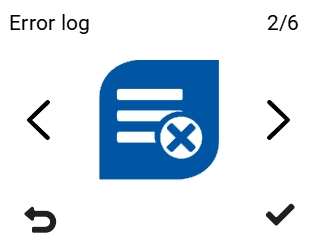
- Select OK:

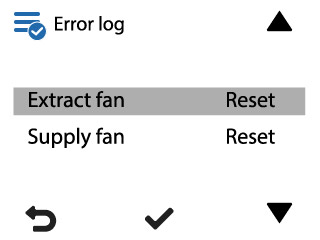
The Error log screen displaying a list of errors opens:
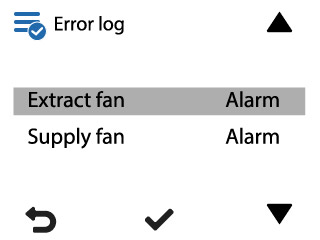
- Use the arrow buttons to browse the error messages in the error log. To acknowledge error messages in the error log:
- Select OK:
A detailed error message screen opens:
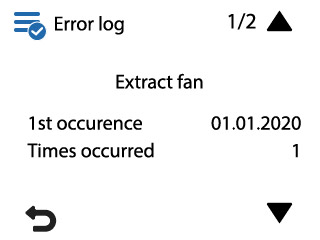
The detailed error message contains the following information:
- Error name — The top row in the detailed error notification describes the error.
- 1st occurrence — Time when the error occurred for the first time.
- Times occurred — The number of times the error has occurred.
- Latest occurrence — Time when the error last occurred.
- Severity — Seriousness of the error.
- Status — Error alarm status. The status options are:
- Acknowledged — Error acknowledged. No active alarm for the error.
- Alarm — The alarm is active until the error is acknowledged.
- To acknowledge the error message, select OK:
The error will be displayed in the error list as acknowledged:
- To acknowledge more error messages, select Back:

- Select OK:
- Select Back:
