
Fan test
To test the operation of the ventilation unit fans:
- Go to the Maintenance menu and select Fan test.
The Fan test menu opens:
Figure 1. CFi/MV 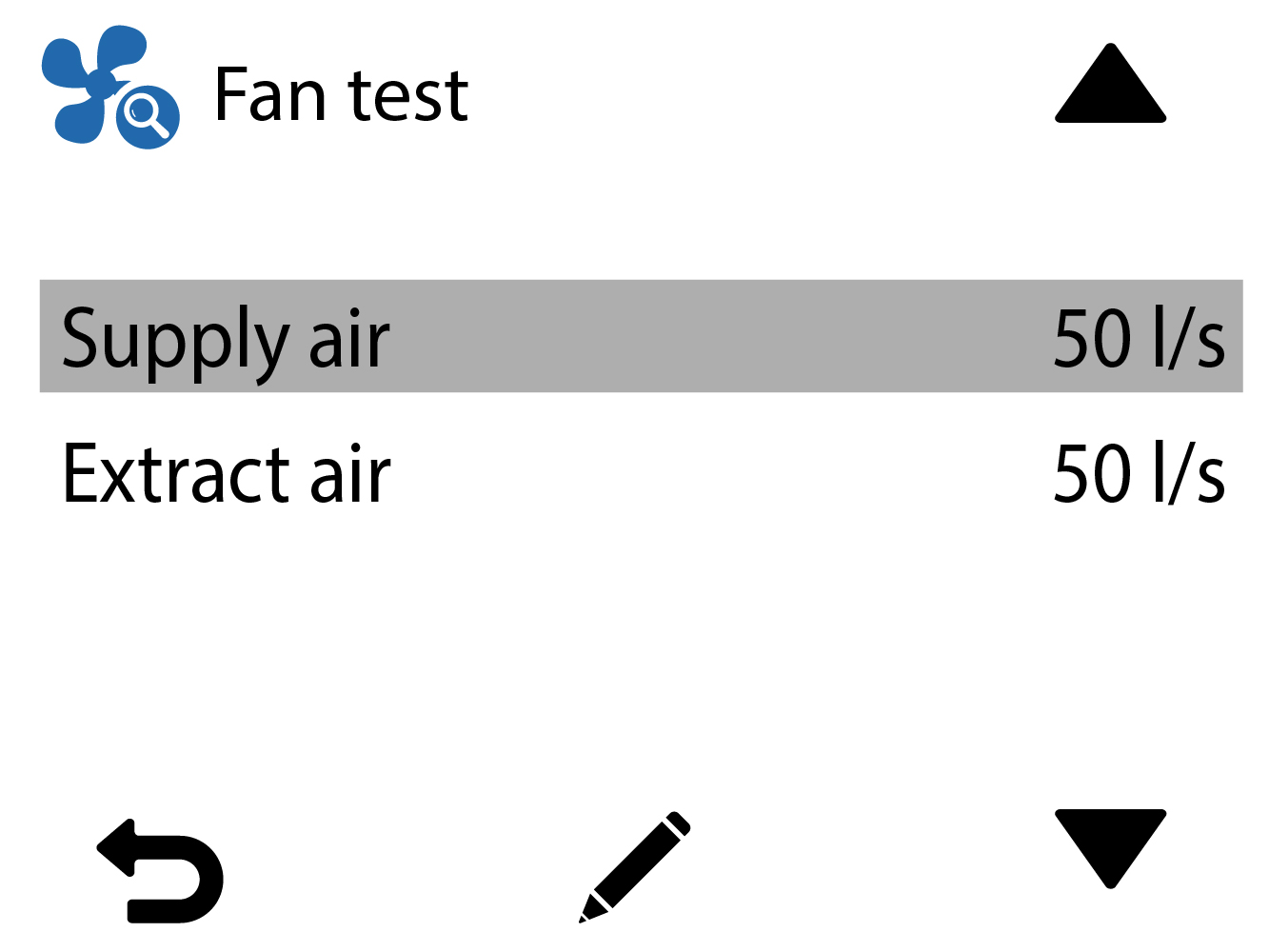
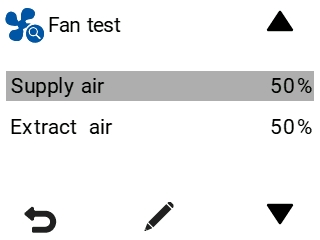
- Select the fan to be tested (Supply air or Extract air).
- CFi: Use the Plus and Minus buttons to adjust the fan's airflow (l/s or m3/h).
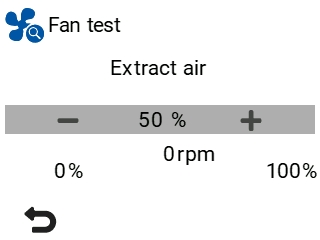
MV: Use the Plus and Minus buttons to set the supply air volume as a percentage of the maximum output.
You can hear when the fan speed changes according to the set value. The fan’s rotational speed is shown in the rpm field.
Figure 2. Supply air fan test CFi/MV 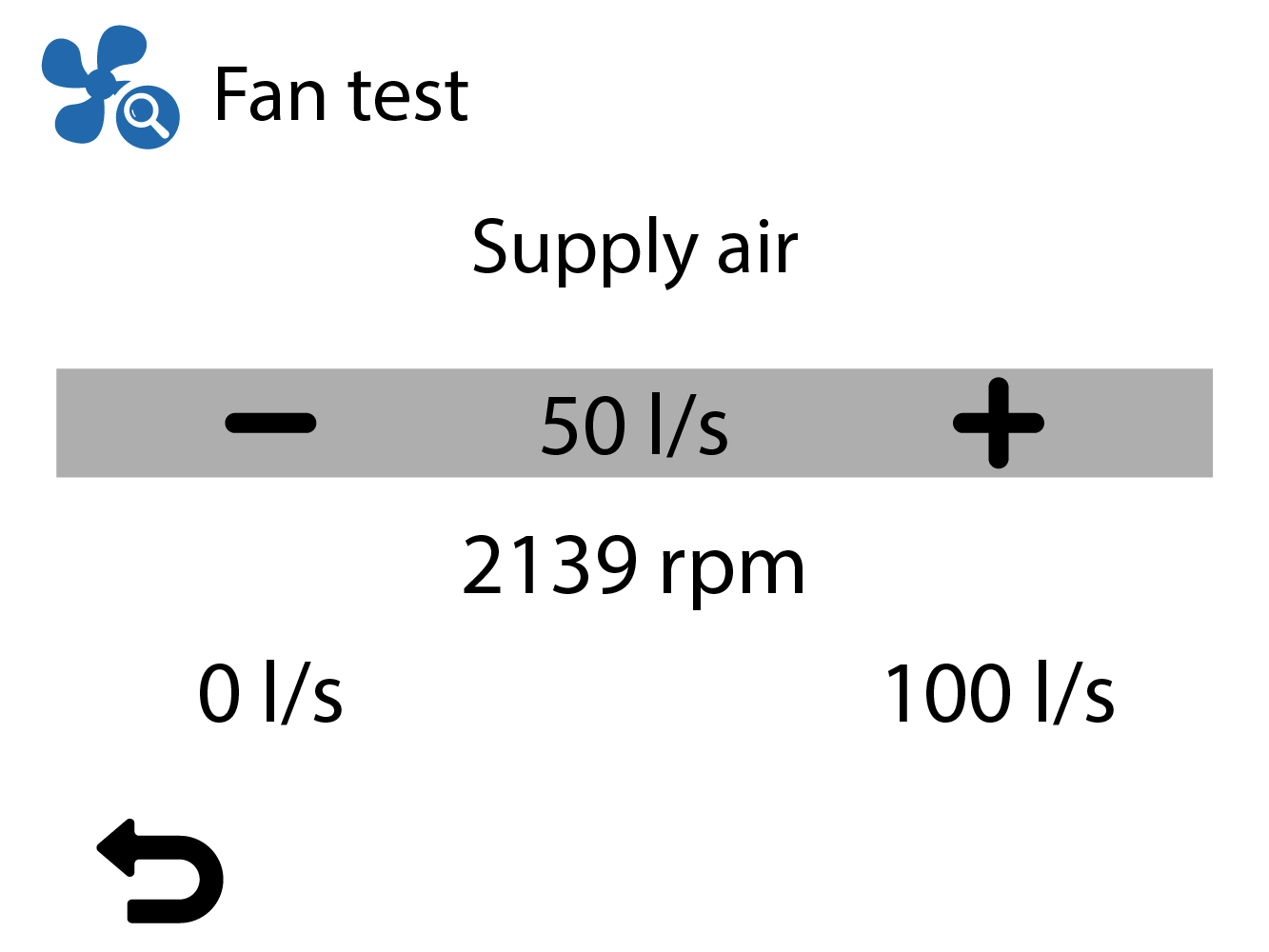
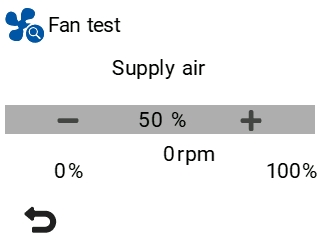
Figure 3. Extract air fan test CFi/MV 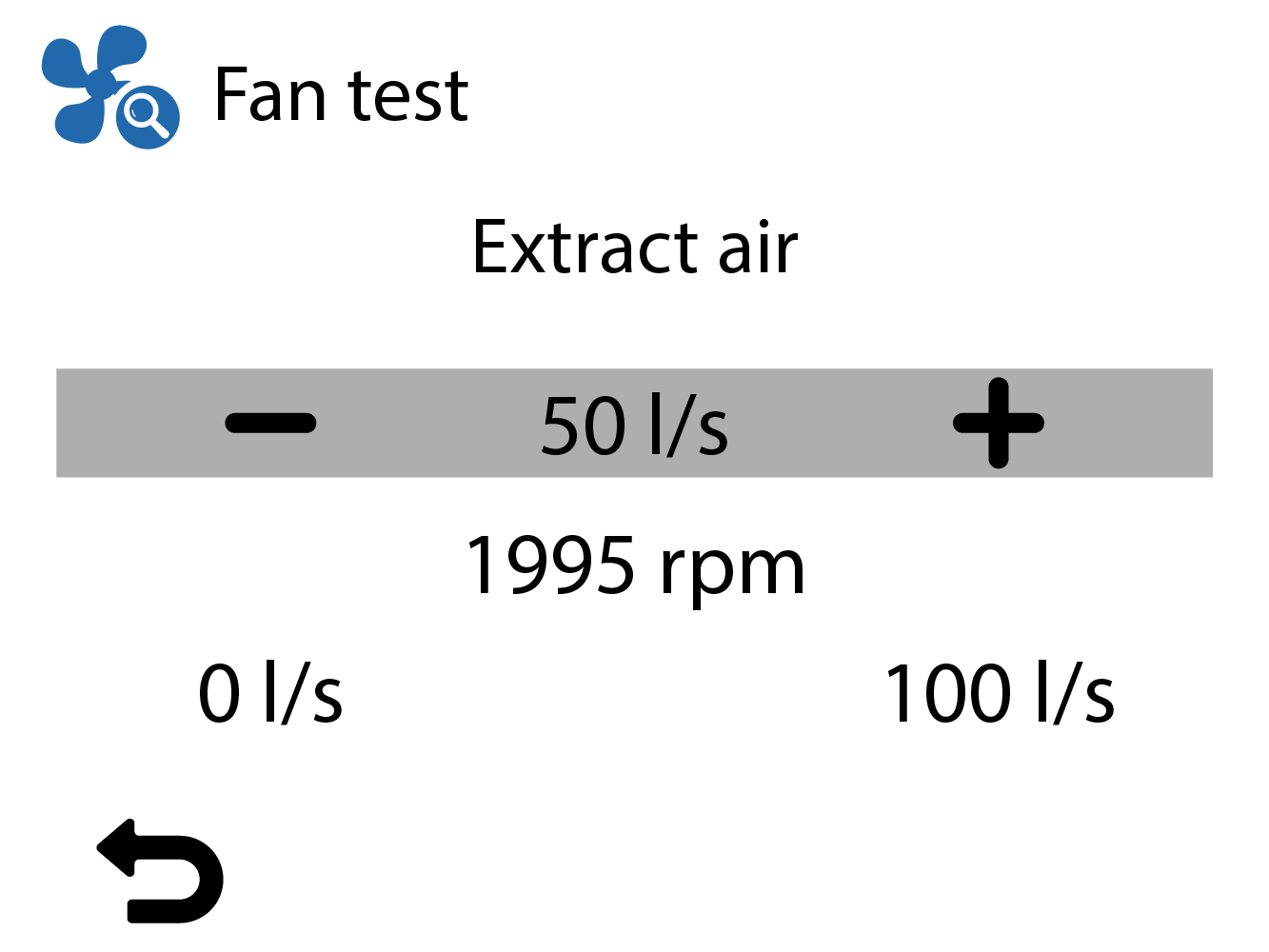
- Select Back:
