
HR cell bypass test
To test the operation of the HR cell’s bypass damper:
- Select Settings:

- Select Service menu with the arrow buttons.
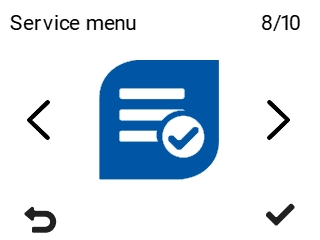
- Select OK:

- Select HR cell bypass test with the arrow buttons:
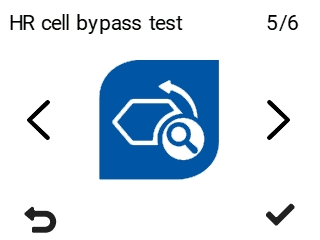
- Select OK:

The Position of the bypass damper screen opens:
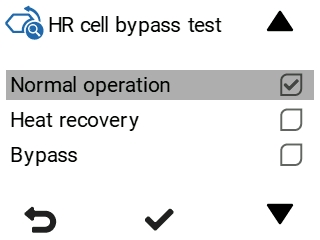
- Use the arrow buttons to select the damper position. The options are:
Normal operation — The HR cell bypass test is disabled, the bypass damper moves normally.
Heat recovery — The damper is closed (“winter position”) and air flows through the HR cell.
Bypass — The damper is open (“summer position”) and air passes by the HR cell.
- Open the ventilation unit door to make sure the damper moves to the right position.
- Select Back:
