
HR cell defrost
To defrost the HR cell manually:
- Select Settings:

- Select Service menu with the arrow buttons.
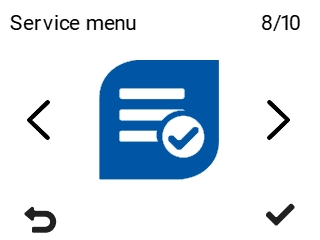
- Select OK:

- Use the arrow buttons to select HR cell defrost.
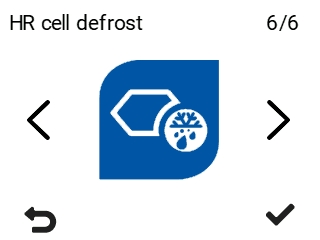
- Select OK:

The unit asks you to confirm the task:
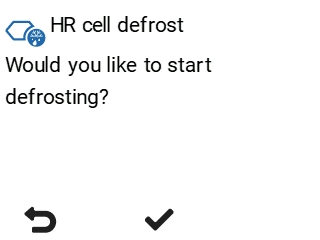
- Select OK:
Defrosting begins:
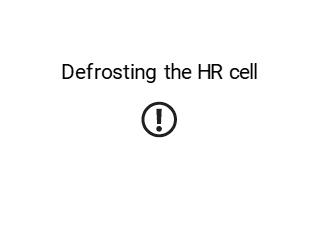
The defrosting process takes approximately 15–45 minutes, and when complete, the ventilation unit returns to normal operation.
- Select Back:
