
External sensor settings
- Select Settings.

- Select Expert settings with the arrow buttons.
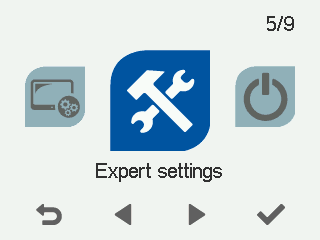
- Select OK.

- Select I/O and bus settings with the arrow buttons.
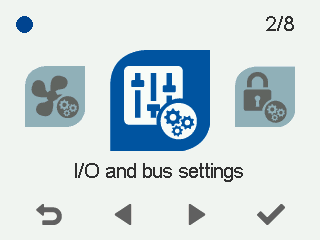
- Select OK.
- Select External sensor settings with the arrow buttons:
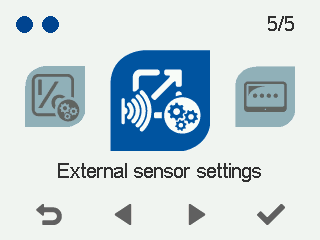
- Select OK.
The External sensor settings screen opens:
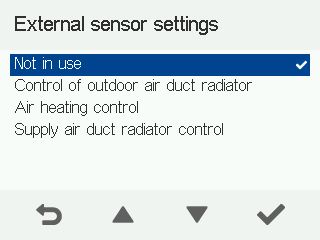
- Use the arrow buttons to select the external sensor’s operating mode. The options are:
- None — No external sensor in use.
- Outdoor air duct radiator control — The duct radiator and external sensor are in the outdoor air duct.
- Air heating control — Only used for air heating control.
- Supply air duct radiator control — The duct radiator and external sensor are in the supply air duct.