
Heating settings
IMPORTANT:
Do not change the heating settings without consulting an HVAC expert.
- Select Settings.

- Select Expert settings with the arrow buttons.
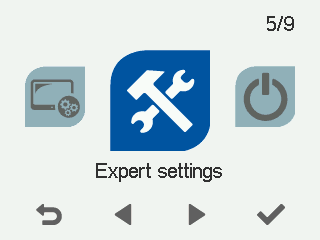
- Select OK.

- Select Heating settings with the arrow buttons:
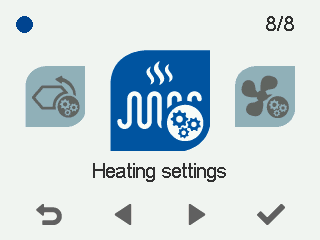
- Select OK. The Heating settings screen opens:
- Select the heating method with the arrow buttons:
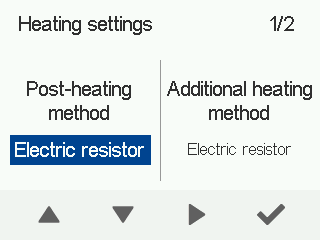
- Electrical resistor
- Water heater
- None
- Select Right arrow.
- Select the additional heating method with the arrow buttons:
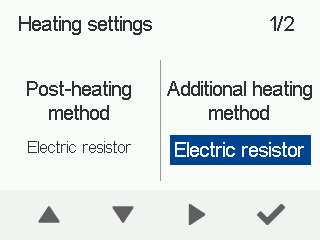
- Electrical resistor
- Water heater
- None
- Select Right arrow.
- Use the Plus and Minus buttons to select the heating season setting. The temperature range is 0°C – +19°C. The factory setting is +12°C. Seasonal heating is triggered by the outdoor air temperature. When the outdoor air temperature drops below the set value, post-heating may be used to heat the supply air. 100% bypass is always used for heat recovery.
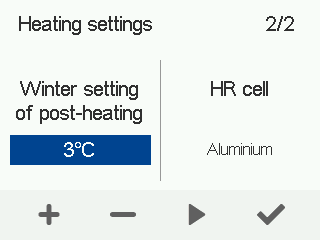 NOTE:When the outdoor air temperature is above the reference value:
- Seasonal heating is not in use.
- The supply air heater is not in use.
- Bypass and partial bypass are in use.
- Select Right arrow.
- Select HR cell with the arrow buttons:
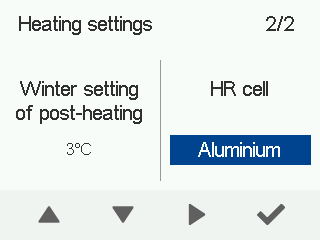
- Aluminium
- Plastic
- Enthalpy