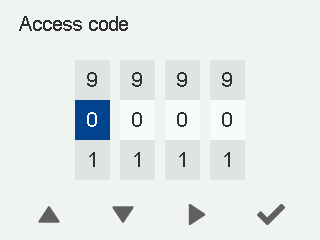
Acess code
The access code is used to restrict the use of the ventilation unit functions at different access levels. If the access code prompt is enabled and the access level is limited or normal, the user is required to enter the access code before certain settings can be changed.
When the access code prompt is active, a lock icon appears on the screen. The access code consists of four digits.
NOTE:
If you do not change the default access code 0000, the access code prompt is disabled.
To set a new access code:
- Select Settings.

- Go to Expert settings and select Access rights.
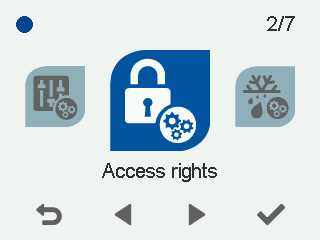
- Go to Access code and select Modify to change the access code. The default access code is
0000, and the access code prompt is disabled.