
Bypass settings of the HR cell
- Select Settings.

- Select Expert settings with the arrow buttons.
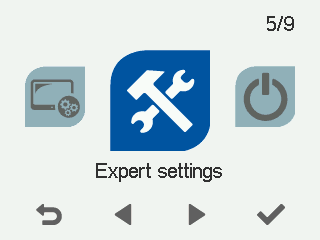
- Select OK.

- Select Bypass settings of the HR cell with the arrow buttons
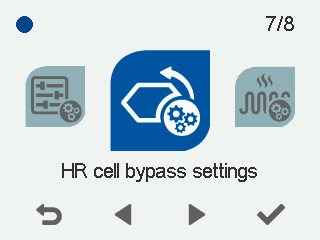
- Select OK. The Bypass settings of the HR cell screen opens.
- Select with the arrow buttons:
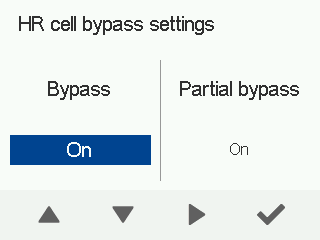
BypassOn — Bypass automatics are in use.
BypassOff — Bypass automatics are not in use. The Heat recovery mode is active.
- Select Right arrow.
Select with the arrow buttons:
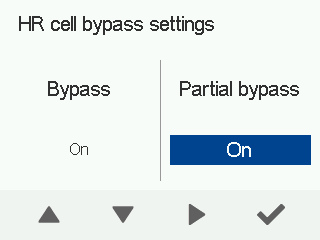
Partial bypassOn — Partial bypass is enabled when bypass is activated and the outdoor air temperature exceeds the value set for the heating season.
Partial bypassOff — Partial bypass is not in use.
Special modes — Partial bypass is always in use.
IMPORTANT:The Special modes mode is only used in special modes when the heat load is large. Do not select Special modes without consulting an HVAC expert.