
Analog input
To edit the analog input of the ventilation unit:
- Select Expert settings.
- Select Analog input in the Input settings area.
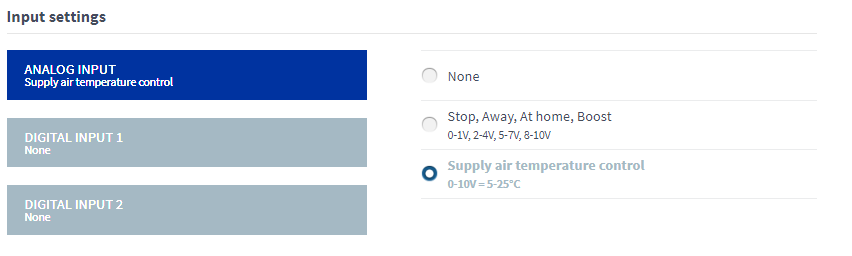
- Select the function of the analog input from the list.The options are:
- None — The input is not enabled.
-
Stop, Away, At Home, Boost, 0–1V, 2–4V, 5–7V, 8–10V — Remote monitoring uses these voltage signals in controlling the ventilation by changing the ventilation mode as required.
-
Supply air temperature control, 0–10V = +5°C - +25°C — Remote monitoring uses these voltage signals in controlling the ventilation by adjusting the supply air temperature.