
Modbus settings
If the ventilation unit is connected to e.g. a building automation system via Modbus, configure the Modbus settings. The Modbus settings are:
- Ventilation unit’s Modbus address
- Modbus baud rate
- Modbus parity
- Modbus stop bit.
To configure the Modbus settings:
- Select Settings:

- Select Expert settings with the arrow buttons.
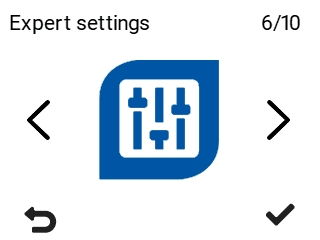
- Select OK:

- Use the arrow buttons to select I/O and bus settings.
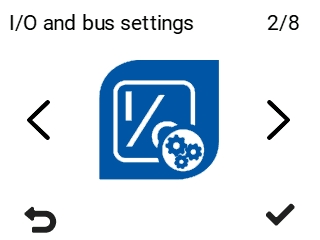
- Select Modbus settings with the arrow buttons.
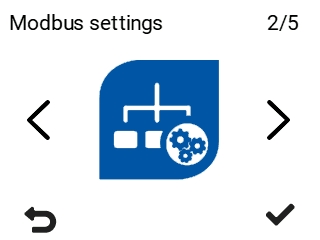
- Select OK:

The Modbus menu opens.
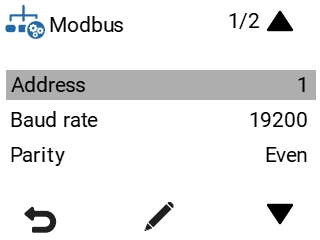
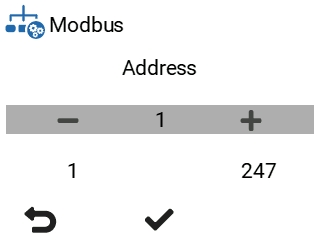
- Set the ventilation unit’s Modbus address with the Up arrow and Down arrow buttons. You can set the address between 1 and 247.
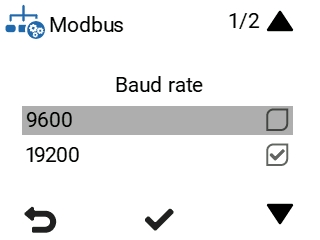
- Use the Up arrow and Down arrow buttons to set the Baud rate of the Modbus. The options are 9600, 19200, 38400, 57600 or 115200.
- Use the Up arrow and Down arrow buttons to set the Parity of the Modbus.
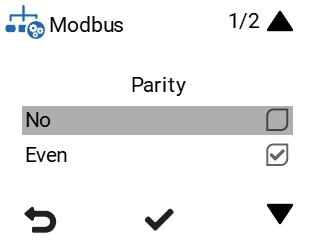
The options are:
no — No parity
even — Even parity
odd — Odd parity.
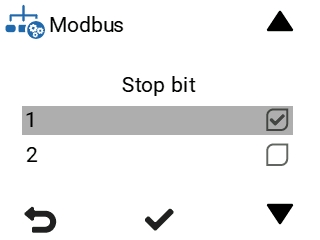
- Use the Up arrow and Down arrow buttons to set the Stop bit of the Modbus. The options are 1 or 2.
- Select OK: