
Save settings
- Select Settings:

- Open Expert settings and select Save and restore settings.
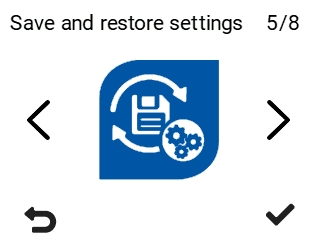
- Select the desired function:
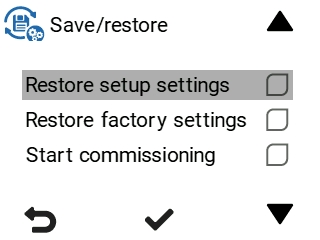
- Restore setup settings — Restores the ventilation unit settings configured during setup.
- Restore factory settings — Restores the ventilation unit’s original settings. All changes made by the user are reset.
- Start commissioning — Launches the ventilation unit’s setup process.