
Setting the date
- Select Settings.

- Select Time and date with the arrow buttons.
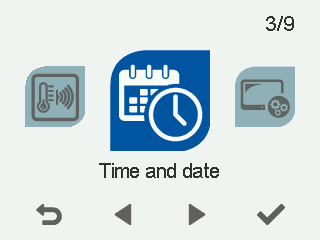
- Select OK.

The Time and date settings open.
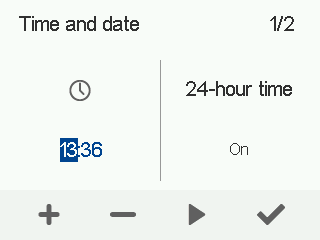
- Select Right arrow.
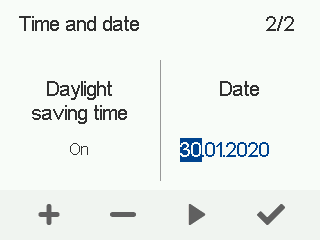
- Use the Plus and Minus buttons to set the day.
- Select Right arrow.
- Use the Plus and Minus buttons to set the month.
- Select Right arrow.
- Use the Plus and Minus buttons to set the year.
- Select OK.