
Setting the 24-hour or 12-hour clock
The 24-hour clock is used by default. To use the 12-hour clock:
- Select Settings.

- Select Time and date with the arrow buttons.
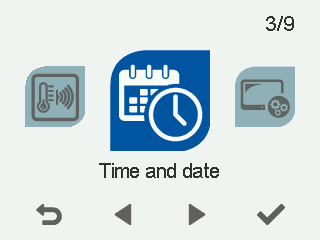
- Select OK.

The Time and date settings open.
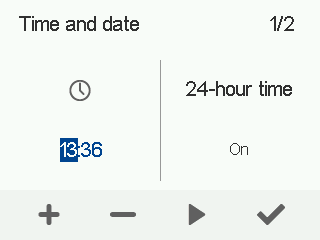
- Select Right arrow.
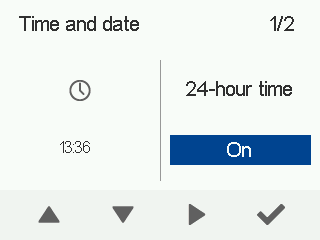
- The Select Down arrow.24 h setting is changed to Off.
- Select OK.
TIP:
To switch back to the 24-hour clock, follow the steps above but select On at step 6.