
Heater test
To test the operation of the ventilation unit’s heaters:
- Select Settings.

- Select Service menu with the arrow buttons.
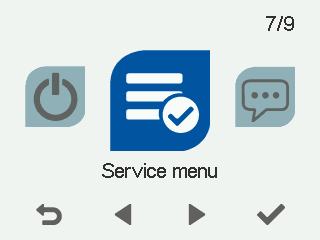
- Select OK.

- Select Heater test with the arrow buttons:
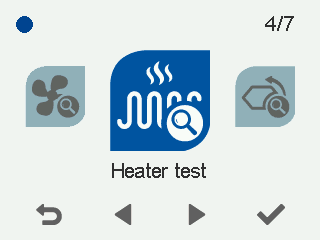
- Select OK.
The Heater test 1/2 screen opens:
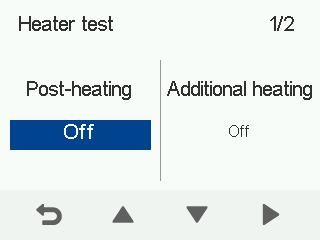
- Use the Up arrow button to enable post-heating.
- Make sure the post-heating function is working.
- Use the Down arrow button to disable post-heating.
- Select Right arrow.
The Heater test 2/2 screen opens:
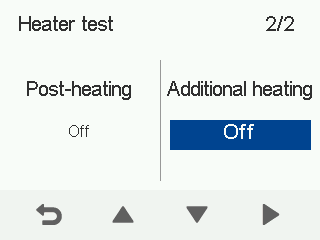
- Use the Up arrow button to turn on the additional heating resistor.
- Make sure the additional heating resistor is working.
- Use the Down arrow button to turn off the additional heating resistor.
- Select Back.
