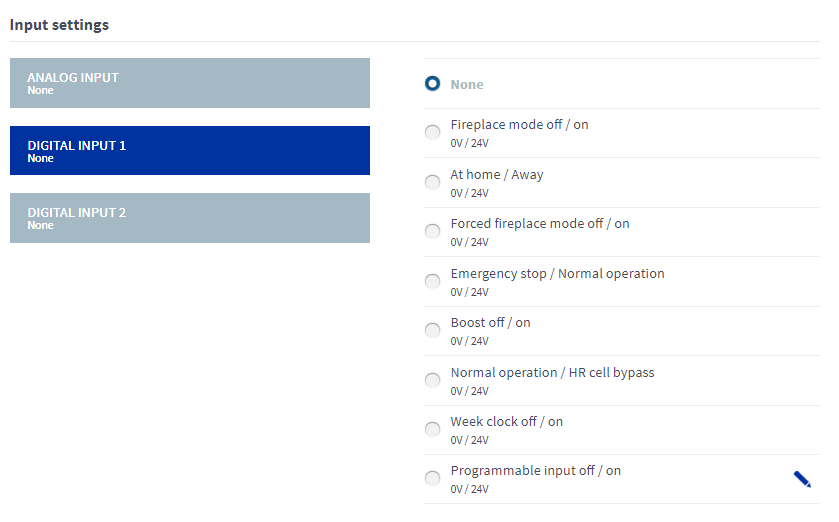
Input settings
The ventilation unit has three inputs: one analog input and two digital inputs. You can assign different functions to each input according to the table below. The digital controls can be implemented by a push button or rocker switch. Both digital inputs recognise the switch type automatically.
Potential uses of the analog and digital inputs include a request to boost ventilation from the cooker hood/central vacuum system or a button for activating the Custom mode next to the fireplace.
The push button functions are activated whenever the push button is released. To cancel a push button function, press the button for five seconds. The rocker switch function is triggered by the switch position. When the switch is turned to ON, the function is activated. When the switch is turned to OFF, the function is deactivated. You can cancel the rocker switch function by pressing the switch for five seconds.
When you turn the rocker switch to ON for the first time, the function is activated after a five-second delay. After the first time, the function is activated immediately.
The rocker switch can also be used to activate a push button function. To do this, turn the switch to ON for less than five seconds. To cancel the push button function, turn the rocker switch to the ON position for more than five seconds.
The mode selected last from any user interface stays active.
The Input settings area of the Expert settings tab is shown in the figure below.