
Analog input
To edit the analog input of the ventilation unit:
- Select Expert settings.
- Select Analog input in the Input settings area.
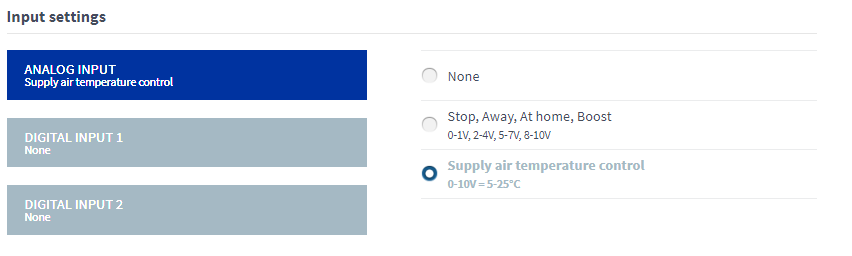
- Select the function of the analog input.
The options are:
Table 1. Analog input functions Function Voltage rating None — The input is not enabled. Stop, Away, At Home, Boost, 0.1–1.0 V, 2–4 V, 5–7 V, 8–10 V — The remote monitoring system uses these voltage signals to control ventilation by changing the ventilation mode. Stop=0.1–1.0 V, Away= 2–4 V, At Home= 5–7 V, Boost= 8–10 V Supply air temperature control, 0–10 V = +5°C – +25°C — The remote monitoring system uses these voltage signals to control ventilation by adjusting the supply air temperature. 0–10 V = +5°C – +25°C NOTE:Only one function per input can be active at a time.