
Settings management
This section describes how to save and restore settings.
To save or restore settings:
- Select Expert settings.
- Move to section Settings management.
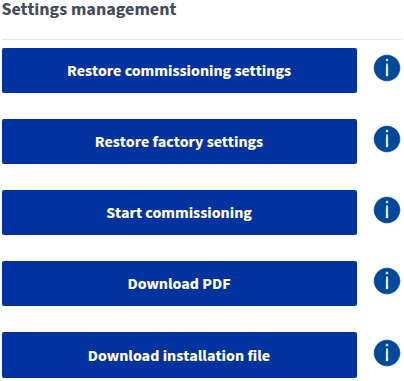
- Select the option you want. The options are:
- Restore setup settings — Restores the ventilation unit settings configured during setup.
- Restore factory settings — Restores the ventilation unit’s original settings. All changes made by the user are reset.
- Start setup — Launches the ventilation unit’s setup process.
- Download PDF — Downloads the setup settings as a PDF file.
- Download installation file — Downloads the setup settings as a file that can be used to configure the settings later, e.g. when replacing the motherboard.