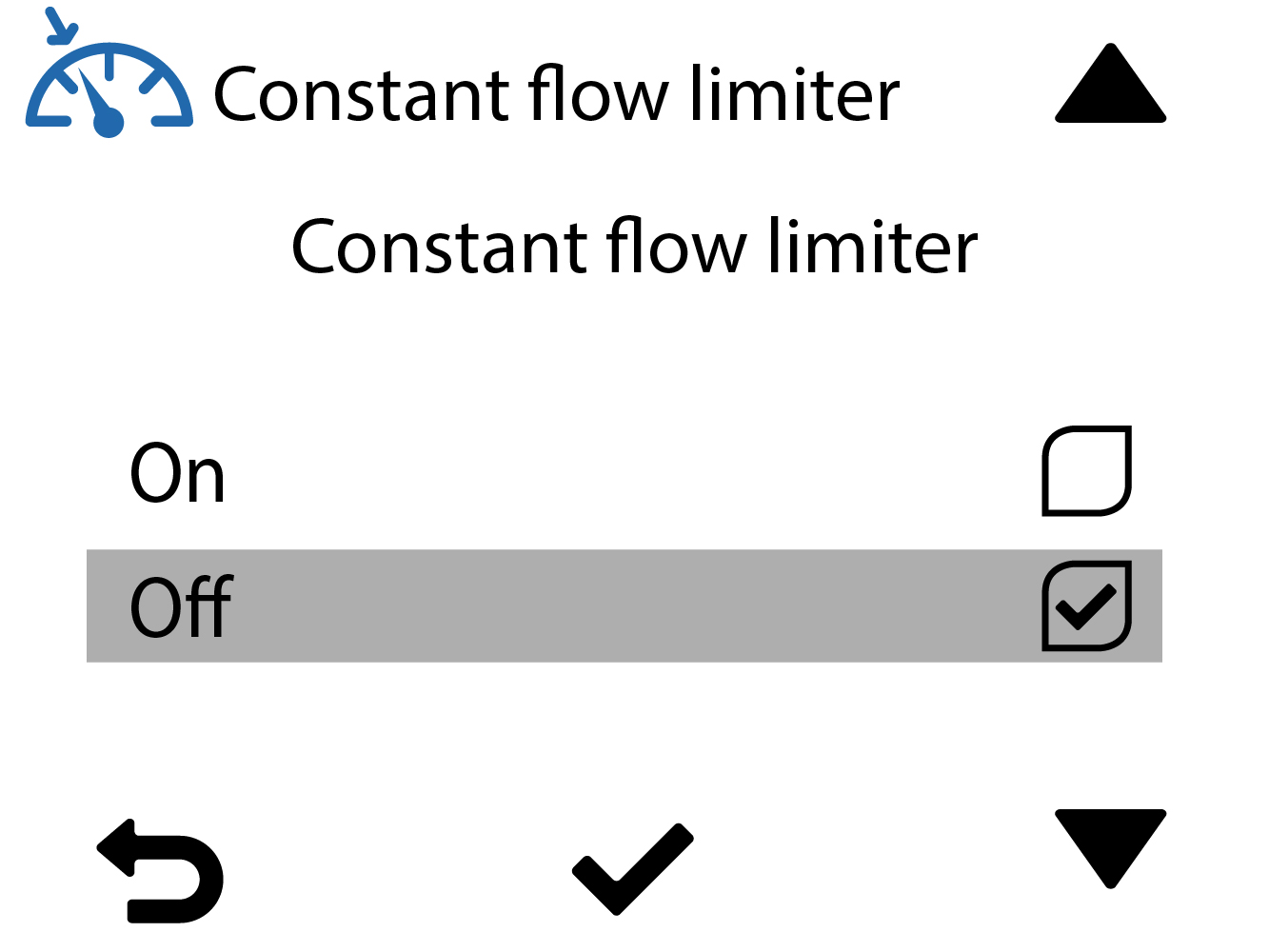
Activating the constant air flow limiter (CFi)
By default, the constant air flow limiter is deactivated. When the function is activated, it monitors the ventilation unit’s operation automatically and the unit runs as usual with the constant air flow function enabled. If ventilation performance becomes weaker due to, for example, a blocked filter, the constant air flow limiter stops the fan speed from spiking to avoid excessive noise.
When the limiter is activated, an icon appears in the main view: 
When the limiter is activated, an icon appears in the main view:
When the air flow goes back to normal (e.g. after the blocked filter has been cleaned), the limiter automatically returns to stand-by mode and the unit continues to adjust the constant air flow normally.
The limiter is used in locations where the filters are replaced centrally, for example, in apartment blocks.
To enable the constant air flow limiter:
- Select Settings:

- Select Expert settings with the arrow buttons.
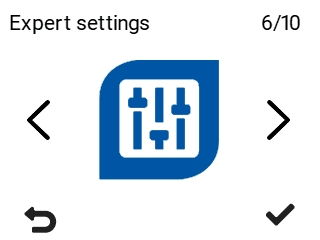
- Select OK:

- Select Control settings with the arrow buttons.
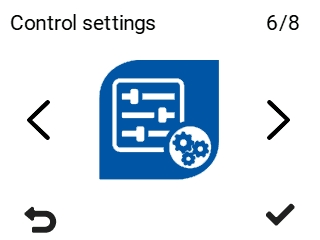
- Select OK:

The Control settings screen opens:
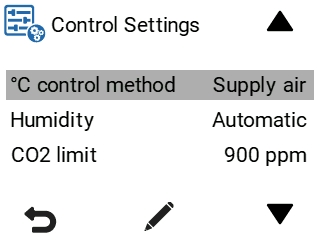
- Enable or disable the constant air flow limiter.