Viewing the relative humidity and carbon dioxide statistics
To view the relative humidity and carbon dioxide statistics:
- Select the info button on the main page to open the temperature data.
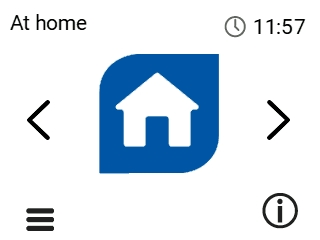
A summary of the temperatures and sensors appears.
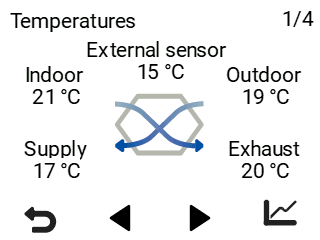
- Select the Right arrow to access the humidity and carbon dioxide information.
A screen showing the highest relative humidity level measured by the humidity sensors opens.
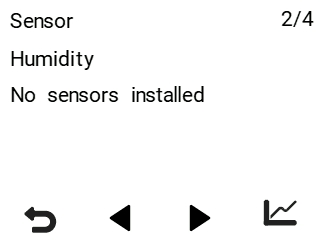
- Select the graph icon to browse statistics:

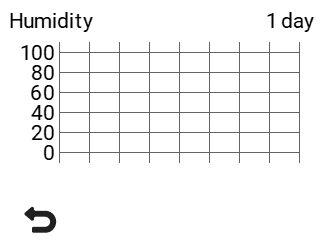
A graph opens depicting the trend of relative humidity in the last 24 hours measured by the sensor that measured the highest value: