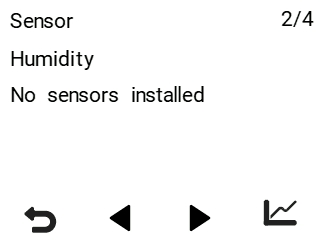
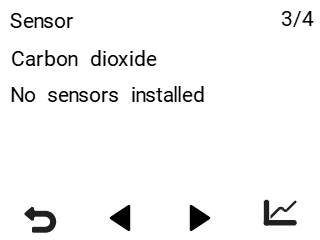
Viewing the humidity and carbon dioxide levels measured by the sensors
The ventilation unit’s integrated humidity and carbon dioxide sensors control ventilation automatically, as necessary. Ventilation can also be adjusted automatically by using an optional carbon dioxide, humidity, or VOC (air quality) sensor.
NOTE:
Ventilation units manufactured before 2020 have only an integrated humidity sensor.
You can view the humidity and carbon dioxide levels measured by individual sensors:
- Select the info button on the main page to open the temperature data.

A summary of the temperatures and sensors appears.
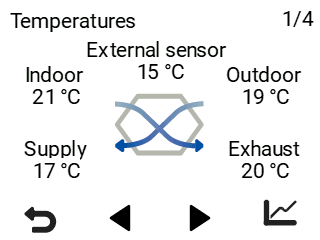
- Select the Right arrow to access the humidity and carbon dioxide information.
A screen showing the highest relative humidity level measured by the humidity sensors opens.