
Setting the filter reminder
- Select Settings.

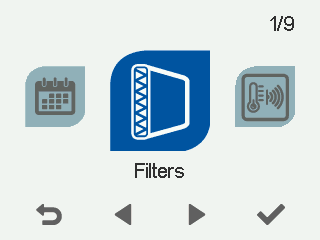
- Select Filters:
- Select OK.

- Select Down arrow.
- Select Edit.
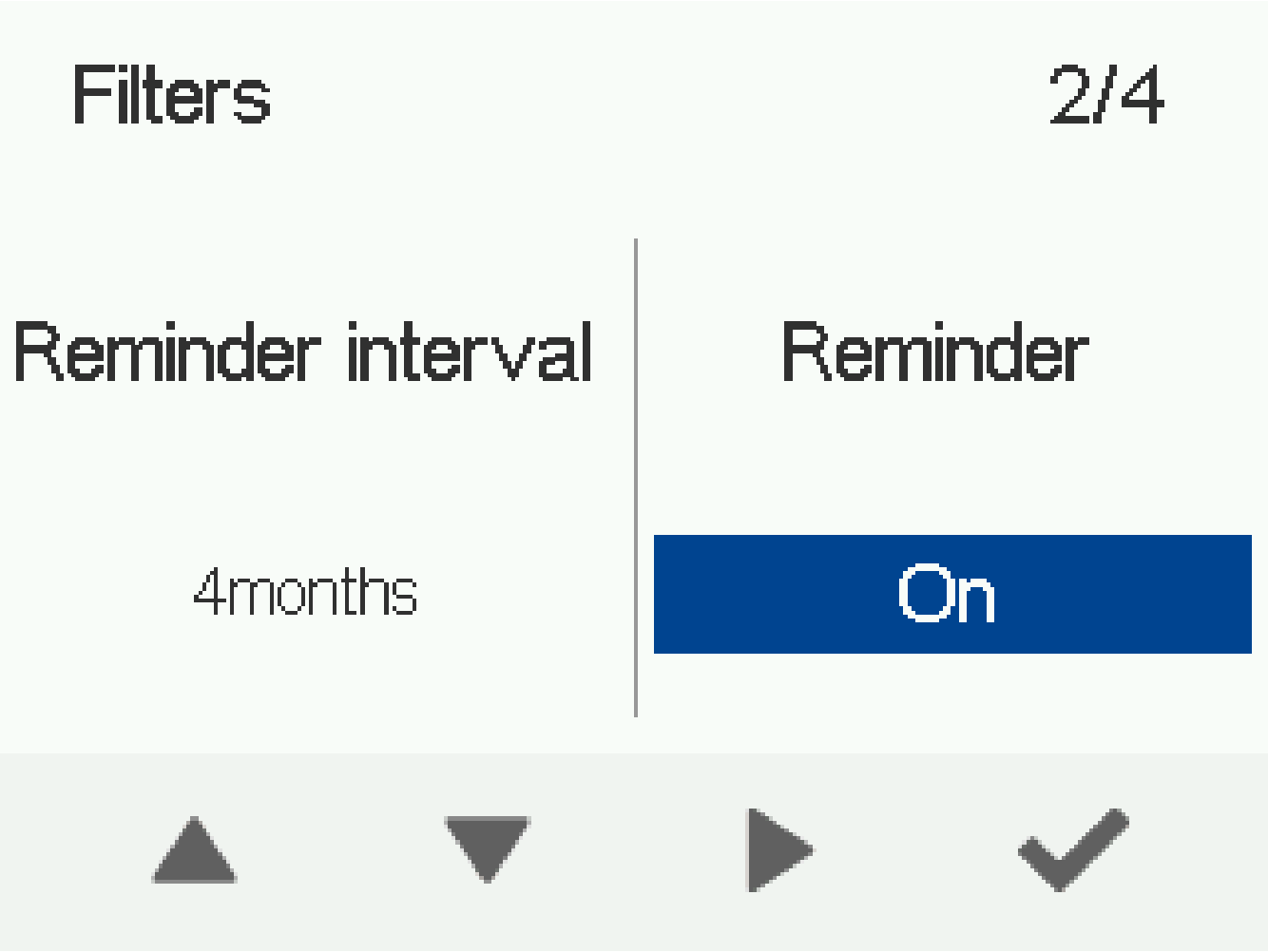
 Select the filter reminder mode:
- On - The filter reminder is enabled and acknowledged manually.
- Off - The filter reminder is disabled.
- Special mode - The filter reminder is enabled and acknowledged manually or automatically within the time set in the Automatic reset interval field.
- Select OK.