
Setting the filter replacement date
For more information about replacing the filters, see the maintenance instructions of the Vallox ventilation unit (see Maintenance).
- Select Settings.

- Select Filters:
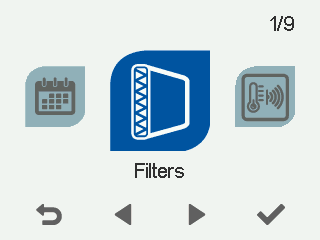
- Select OK.

A summary view of filter replacement appears:
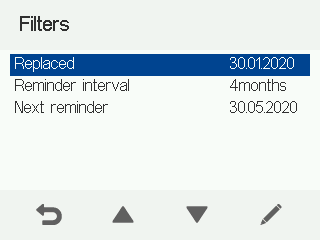
- Select Edit.

The Replacing the filters screen opens:
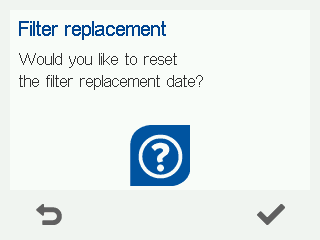
- Select OK to update the filters as replaced today.
NOTE:
The unit sets an automatic maintenance reminder to remind you to replace the filters according to the maintenance interval set. See Setting the reminder interval for filter replacement and Filter maintenance reminder.