
Adjusting the display brightness
- Select Settings.

- Select Display settings with the arrow buttons:
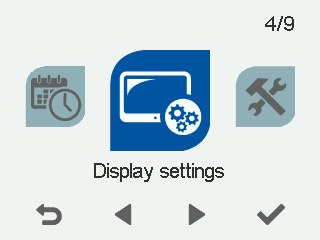
- Select OK.

The Display settings screen opens.
- Select Right arrow.
The Display settings 2/2 screen opens.
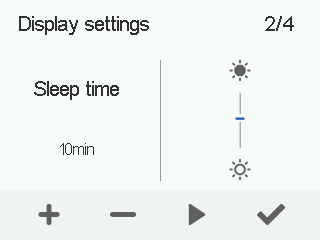
- Use the Plus and Minus buttons to adjust the display brightness.
- Select OK.