Setting and editing a weekly program

  1. Select Settings:
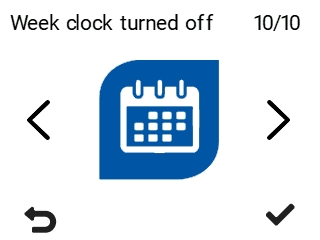
  2. Select Week clock turned on/Week clock turned off.


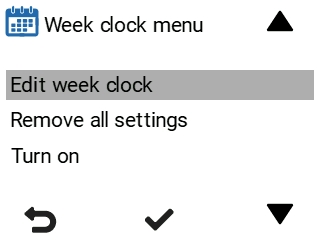
  3. Week clock menu opens:


  4. Select Edit week clock.
  5. Select OK:
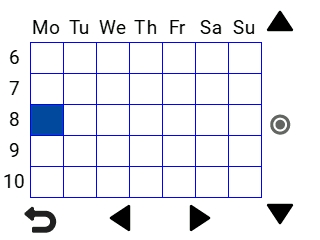
  6. Select Right arrow to set the date.


  7. Select Down arrow to set the time.
  8. Use the Select button to browse and select the ventilation mode that will be turned on at the chosen time. The icons are:
    • At Home mode:

    • Away mode:

    • Boost mode:

    • Custom mode:

    • Standby mode:

  9. Set the other ventilation mode changes to the week clock as described above. See also Example of setting a weekly program.
  10. Once you have selected the modes for the week clock, select Back.
  11. Select OK, if you want to save the changes made to the week clock. Select Cancel, if you do not want to save the changes. Select Back, if you want to go back to editing the week clock.
The week clock is now in use and follows the weekly program.