
Setting the filter replacement date
For information about replacing the filters, see the maintenance instructions of the Vallox ventilation unit (see Maintenance).
After replacing the filters, enter the replacement date:
NOTE:
Based on the set reminder interval, the unit will automatically set the maintenance reminder to provide a reminder to replace the filters at the due time.
- Select Settings:

- Select Filters with the arrow buttons.
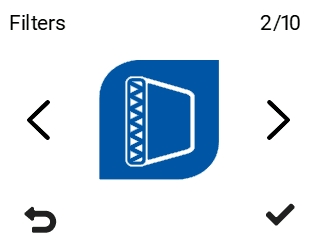
- Select OK

The summary display of replacing the filter opens:
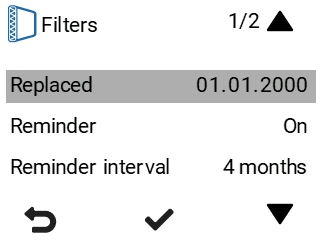
- Use the arrow buttons to select Filters replaced.
- Select OK, if you want to update the filters as having been replaced today.
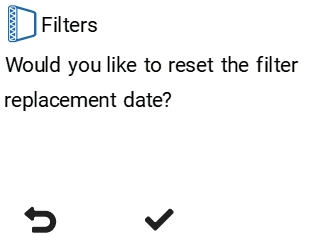
NOTE:
Based on the set reminder interval, the unit will automatically set the maintenance reminder to give a reminder to replace the filters at the due time. See Setting the reminder interval for filter replacement and Filter maintenance reminder.