
Filter settings
- Select Settings:

- Select Filters with the arrow buttons.
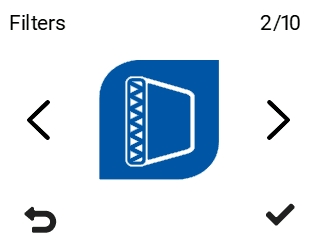
- Select OK:

- The summary display of replacing the filter opens:
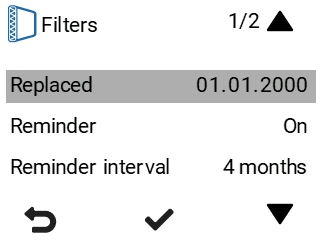
This screen shows the following information:
Filters replaced — Indicates the date when the filters were last replaced.
Maintenance reminder — Indicates whether the reminder is turned on or off or a special mode is in use.
Reminder interval — Indicates the filter replacement interval in months.
Next reminder — Indicates the date when a reminder to replace the filters will next be shown.
Automatic reset interval — The number of days the filter reminder is active. After this, the filter reminder is acknowledged automatically.