Turning on the week clock
To turn on the week clock:
- Select Settings.

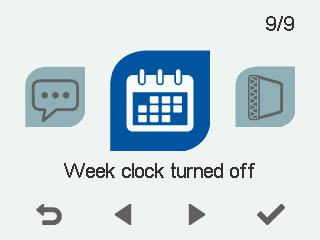
- Select Week clock off with the arrow buttons:
- Select OK.

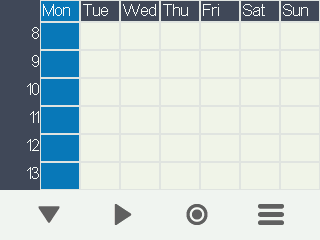
The week clock’s calendar view opens:
- Select Settings.
Week clock menu opens:
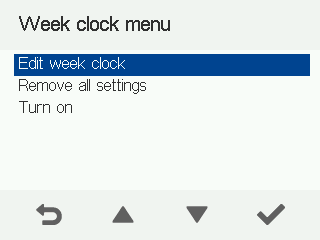
- Select Start week clock with the arrow buttons.
- Select Select:

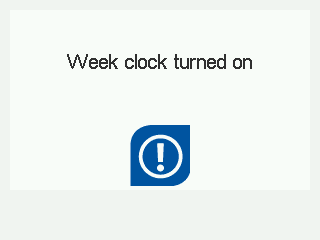
The confirmation screen opens: