
Browsing of humidity and carbon dioxide levels measured by the sensors
You can browse the humidity and carbon dioxide levels measured by individual sensors:
- Select Settings.

- Select Temperatures and sensors with the arrow buttons:
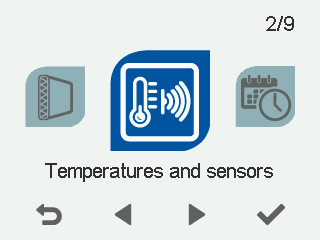
- Select OK.
 TIP:
TIP:You can also access the temperature and sensor information by selecting the information button on the mode screen:

A summary of the temperatures and sensors appears.
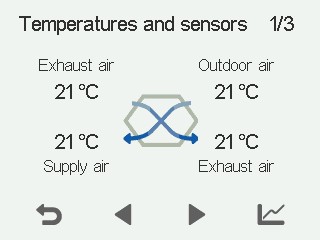
- Select Right arrow.
A screen showing the highest relative humidity level measured by the humidity sensors opens.
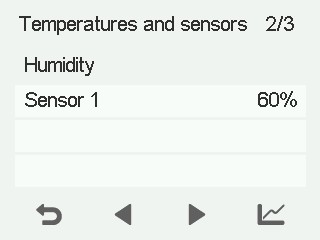
- Select Right arrow.
A screen showing the highest relative humidity level measured by the humidity sensors opens again.
- Select Right arrow.
- If a carbon dioxide sensor (optional) has been installed, a screen showing the highest carbon dioxide level measured by the carbon dioxide sensors (ppm = parts per million) opens.
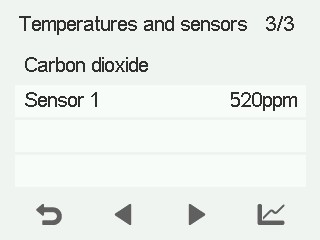
- Select Right arrow.
- A screen showing the highest carbon dioxide level measured by the carbon dioxide sensors opens again.
- Exit the menu by selecting Back:
