
Monitoring the fan performance (CFi)
Monitoring the fan performance helps you detect when the fans are forced to increase revolutions because a filter has become blocked or there are other factors obstructing the air flow.
To view the fan performance:
- Select Settings.

- Select the Temperatures and sensors menu or the info button in the main view:

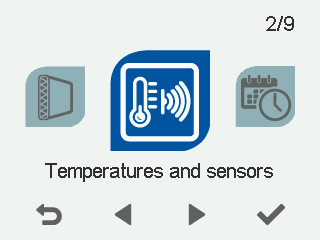
- The current status of the supply air fan and extract air fan is displayed.
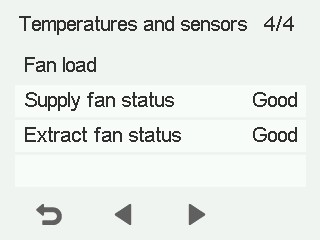
The fan status is depicted as follows:
- Good - The fan is working normally.
- Moderate – The fan is under a load that is slightly higher than normal. Check for any obstructions, such as dirty filters, a blocked outdoor air grille or ice.
- Critical – The fan is under a high load and requires immediate action. Check for any obstructions and clean or repair the system as soon as possible.
- Exit the menu by selecting Back:
