Boost mode settings (CFi)
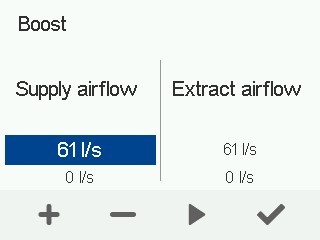
The air flows in the Boost mode are automatically 30% higher than the air flows in the At Home mode, but they can be adjusted. Other Boost mode settings are configured identically to the settings of the At Home mode. A timer can also be set for the Boost mode.
To set the Boost mode settings:
- Set the supply and extract air flows for the Boost mode according to the ventilation plan.
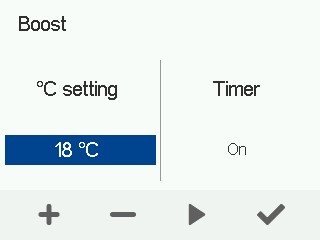
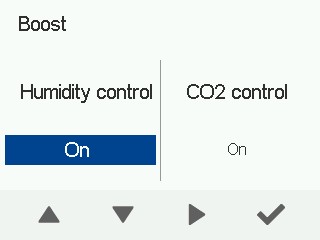
- You can adjust the supply air temperature setting and disable the humidity and carbon dioxide control.
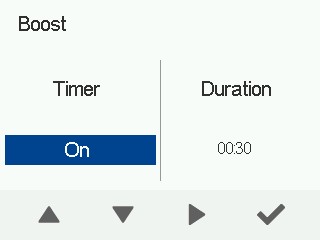
- Set a timer for the Boost mode (optional).
When the timer goes off, the ventilation unit switches back to the previous mode.