
Determination of access rights
There are three access right tiers:
Extensive — The user can change all the settings of the ventilation unit.
Normal — The user can view the ventilation unit information and make limited changes to the settings.
Limited — The user can change the ventilation mode and view the ventilation unit details.
For more information about access rights, see Access level diagrams.
- Open Access rights.
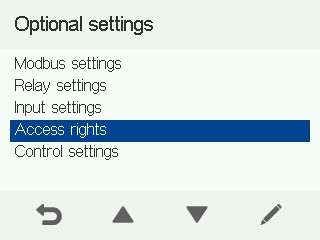
- Use the arrow buttons to select the access level.
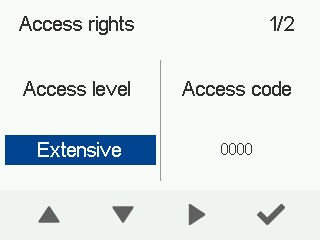 NOTE:To confirm the access level restrictions, enter the access code.
The access level has now been set.
- You can also set an access code. The default access code is
0000, and the access code prompt is disabled.