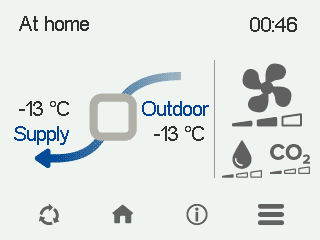
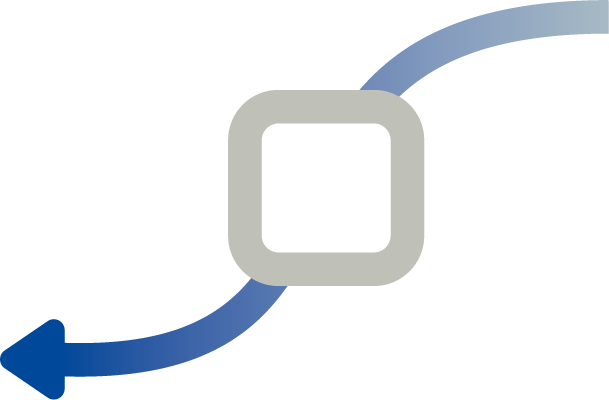
 | The mode in use is either At Home, Away or Boost. The week clock is turned off. |
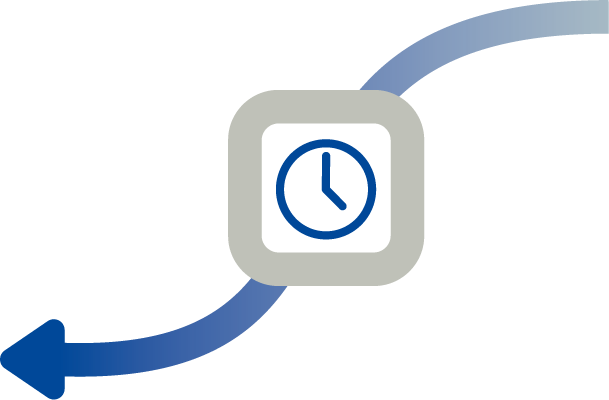 | The mode in use is either At Home, Away or Boost. The week clock is on. |
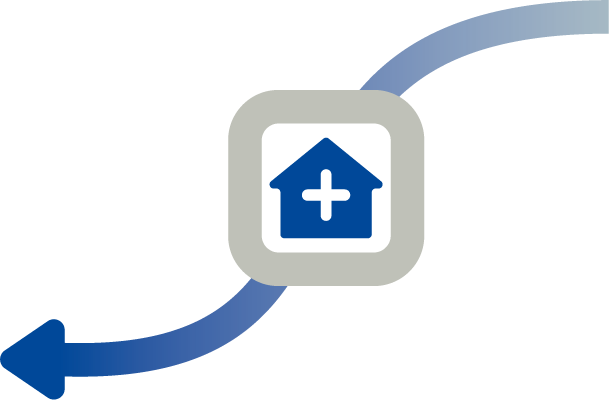 | The Custom mode is used. The week clock might be turned on. |
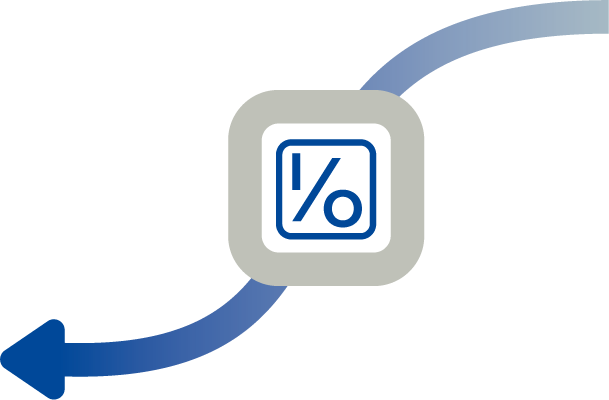 | The mode in use is either At Home, Away or Boost. The programmable input has been activated. |
 | The fan symbols indicate the currently used mode. Fan and one shaded bar — The Away mode is in use. Fan and two shaded bars — The At Home mode is in use. Fan and three shaded bars — The Boost mode is in use.
|
 | The droplet symbols indicate the relative humidity of air. Droplet and one shaded bar — A humidity sensor has been installed and the relative humidity of air is normal. Droplet and two shaded bars — The relative humidity of air is slightly higher than normal. If automatic adjustment is enabled, the fan speed increases. Droplet and three shaded bars — The relative humidity of air is significantly higher than normal. If automatic adjustment is enabled, the fan speed increases.
|
 | The CO2 symbols indicate the carbon dioxide or VOC content of air. CO2 and one shaded bar — A carbon dioxide or VOC sensor has been installed and the level is normal. CO2 and two shaded bars — The carbon dioxide or VOC level is slightly higher than normal. If automatic adjustment is enabled, the fan speed increases. CO2 and three shaded bars — The carbon dioxide or VOC level is significantly higher than normal. If automatic adjustment is enabled, the fan speed increases.
|