
Changing the ventilation mode
- Tap on the Change mode button
until the icon of the desired ventilation mode appears on the display.
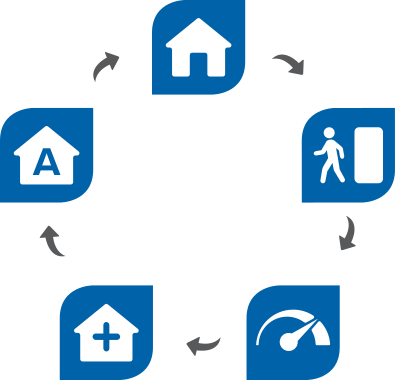
- Wait until the main view of the selected ventilation mode opens.At Home mode icon:

Use this mode when someone is actively living in the apartment.
Away mode icon:
Use this mode when the apartment is vacant for a longer period of time, e.g. during a trip or longer absence.
Boost mode icon:
Use this mode to enhance ventilation, e.g. when there is a large number of people in the apartment or property.
Custom mode icon:
Use this mode e.g. when lighting a fire in a fireplace. The mode is primarily used to create a momentary overpressure in the apartment
