
Filter settings
To browse the filter settings:
- Select Settings.

- Select Filters:
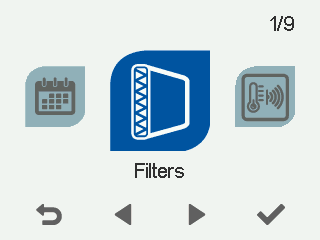
- Select OK.

- A summary view of filter replacement appears:
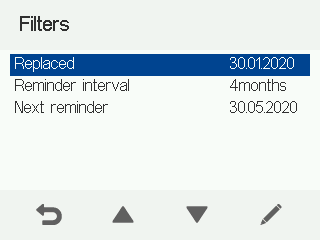
This screen shows the following information:
- Reminder — Indicates whether the reminder is enabled or disabled or in special mode.
- Replaced — The day on which the filters were last replaced.
- Next reminder — The day on which the system will remind about the next filter replacement.
- Reminder interval — The reminder interval for filter replacement in months.
- Automatic reset interval — The number of days the filter reminder is active. After this, the filter reminder is acknowledged automatically.