
Digital input settings
Digital inputs are used when the ventilation unit is controlled with external contact data. The digital inputs are connected to the D/I 1 and +24 V or D/I 2 and +24 V terminals of the ventilation unit’s connection box. Please note that the programmable input can be connected to either digital input but they always have identical settings.
- Open Digital input settings.
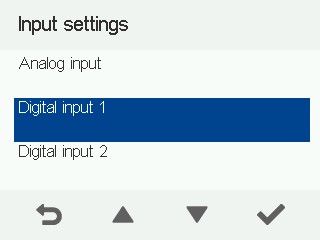
- Configure the digital input settings.
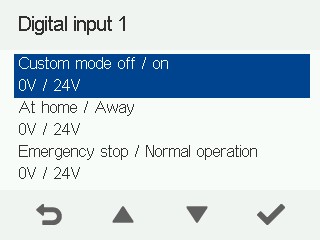
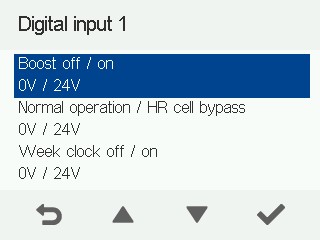
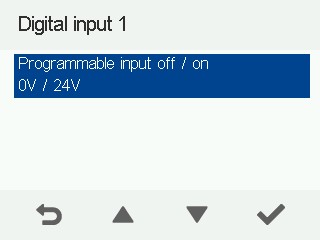
Digital input settings:
Custom mode off / on — Used to compensate for negative pressure caused by e.g. a fireplace, cooker hood or central vacuum system.
At Home / Away — Switches the ventilation unit to the At Home or Away mode according to external contact data from e.g. a switch.
Emergency stop / Normal — Switches off the ventilation unit based on an external emergency stop message from e.g. an automation substation system or switch. Do not select the emergency stop function if the digital input is not connected to a voltage of 24 V.
Boost off / on — Switches the ventilation unit to the Boost mode according to external contact data from e.g. a cooker hood or switch.
Normal operation / Heat recovery cell bypass — Forces the heat recovery cell bypass to activate. Please note that the bypass is only activated if the outdoor temperature is above 5°C.
Week clock off / on — Switches the week clock control on or off according to external contact data from e.g. a switch.
Programmable input off / on