
Boost mode settings
Set the Boost mode’s fan speed, supply air temperature and carbon dioxide and humidity control settings. The fan speed in the Boost mode is automatically 30% higher than the fan speed in the At Home mode. You can adjust the fan speed and supply air temperature of the Boost mode and disable the humidity and carbon dioxide control. A timer can also be set for the Boost mode.
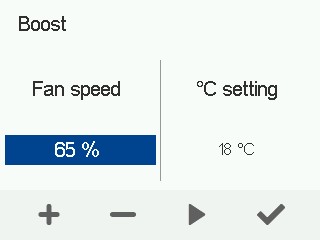
- Set the Boost mode’s fan speed and supply air temperature.
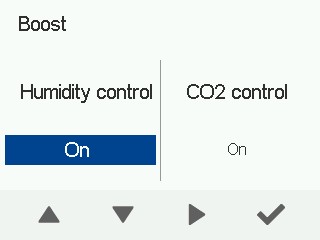
- Configure the carbon dioxide and humidity settings.
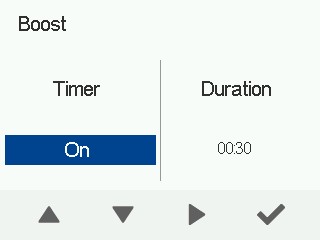
- Set a timer for the Boost mode (optional).
When the timer goes off, the ventilation unit switches back to the previous mode.
- Proceed with the setup by selecting OK:
