
Fan test
Carry out the fan test to easily check the operation of the ventilation unit’s fans.
- Go to the Maintenance menu and select Fan test.
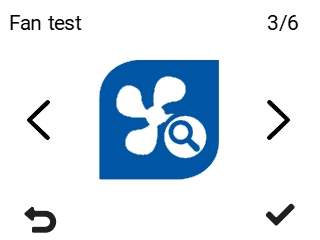
The Fan test menu opens:
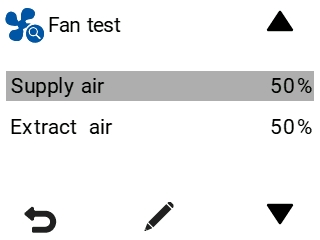
- Select Supply air.
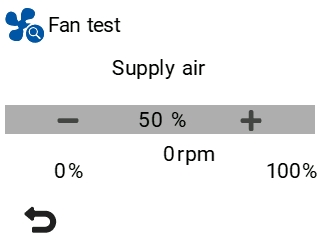
- Use the Plus and Minus buttons to set the supply air volume as a percentage of the maximum output.You can hear when the fan speed changes according to the value set. The fan’s rotational speed is shown in the rpm field.
- Select Extract air:
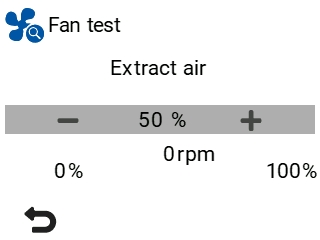
- Use the Plus and Minus buttons to set the extract air volume as a percentage of the maximum output.You can hear when the fan speed changes according to the value set. The fan’s rotational speed is shown in the rpm field.
- Select Back:
