
Setting the date
To set the date:
- Select Unit information.The time and date settings of the unit are shown in the Time and date area:
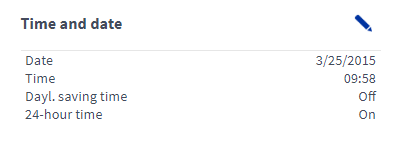
- Select Edit in the right top corner of the area:
 The time and date settings will open in the editing mode: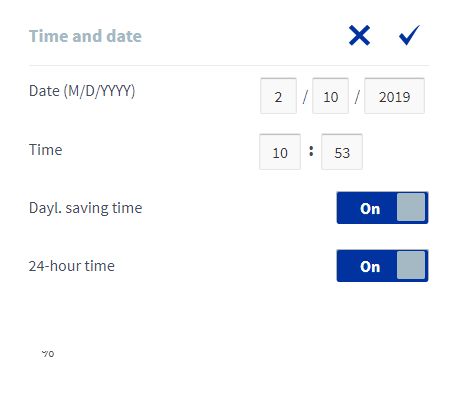
- Enter the date in the form
dd/mm/yyyy.
- Select OK.
 .
.