
Selecting the 24- or 12-hour clock
The 24-hour clock is used by default. To use the 12-hour clock:
- Select Unit information.The time and date settings of the unit are shown in the Time and date area:
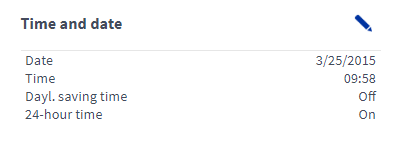
- Select Edit in the right top corner of the area:
 The time and date settings will open in the editing mode: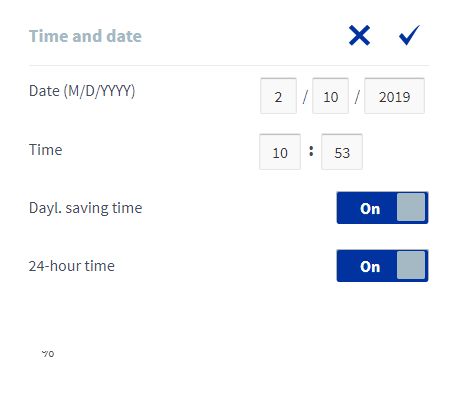
- Use the On/Off button on the right side of the 24 h text to select either the 24-hour clock or the 12-hour clock.
When the value is On, the 24-hour clock is turned on.

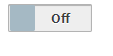
When the value is Off, the 12-hour clock is turned on.
- Select OK.
 .
.