Error log
To view and acknowledge errors:
- Select Service menu.
- Select Error log.
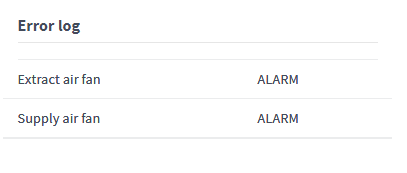
An error list is displayed in the Error log area. The list shows the details of the error and the status of the alarm triggered by the error:
- Acknowledged — Error acknowledged. No active alarm for the error.
- Alarm — The alarm is active until the error is acknowledged.
- Not active — The error is not active.
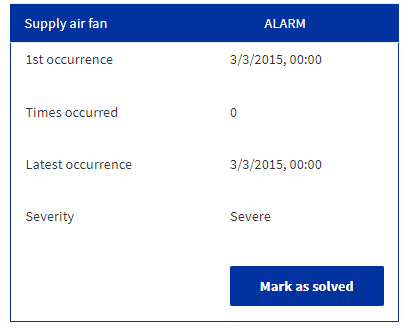
- Click on the error message to view the details of the error.