
Control panel settings
The screen lock locks the control panel so that no damage can be done to the ventilation unit by random pressing of the control panel buttons.
To set the screen lock:
- Select Special functions:
 .
. - The screen lock settings are described in the Screen lock area.
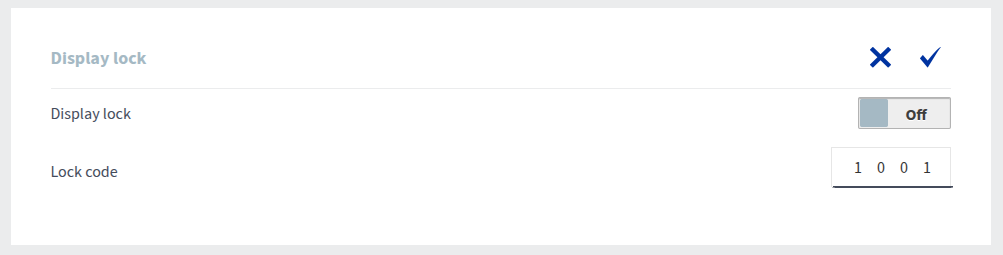
- Enable or disable the screen lock by using the On/Off button on the right side of the Screen lock text.
- When the button says On, the screen lock is enabled.

- When the button says Off, the screen lock is disabled.

- When the button says On, the screen lock is enabled.
- Enter the code you want in the number field to the right of the Lock code text.