
Special functions
Open Special functions by selecting the icon.
icon.
The Special functions tab is shown in the figure below:
NOTE:
The figure only shows a part of the user interface.
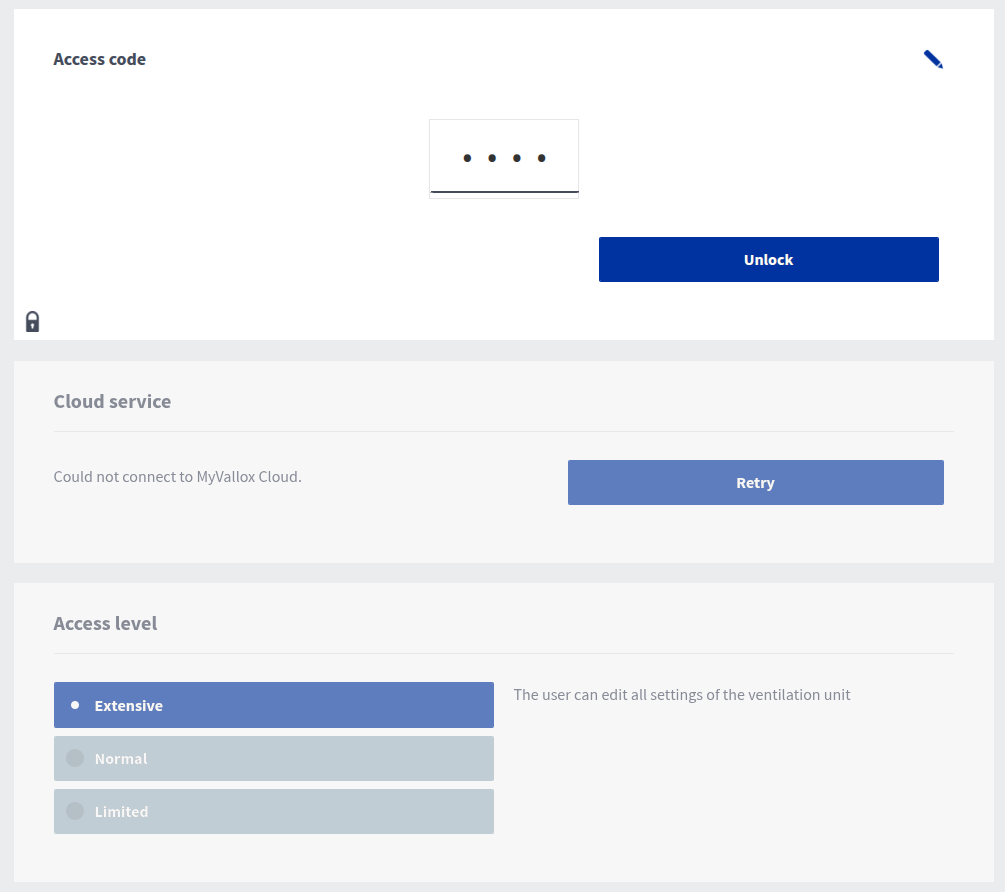
The Special functions tab allows you to:
- unlock the operating settings
- sign out of the MyVallox Cloud service
- change the user level
- grant remote access rights
- set the lock on the ventilation machine display
- enable or disable the DHCP prioritisation.